MX POS — cloud point of sale for restaurants, quick-service, and retail.
Configurable across business types. One platform for the all-in-one countertop station and the mobile handheld in the server's pocket. Real-time cloud reporting, built-in payments, US-based 24/7 support. Tabletop runs the cost analysis, sizes the fleet for your room, and stays on as your support contact.
Statement review, savings projection, and full tech stack recommendations.
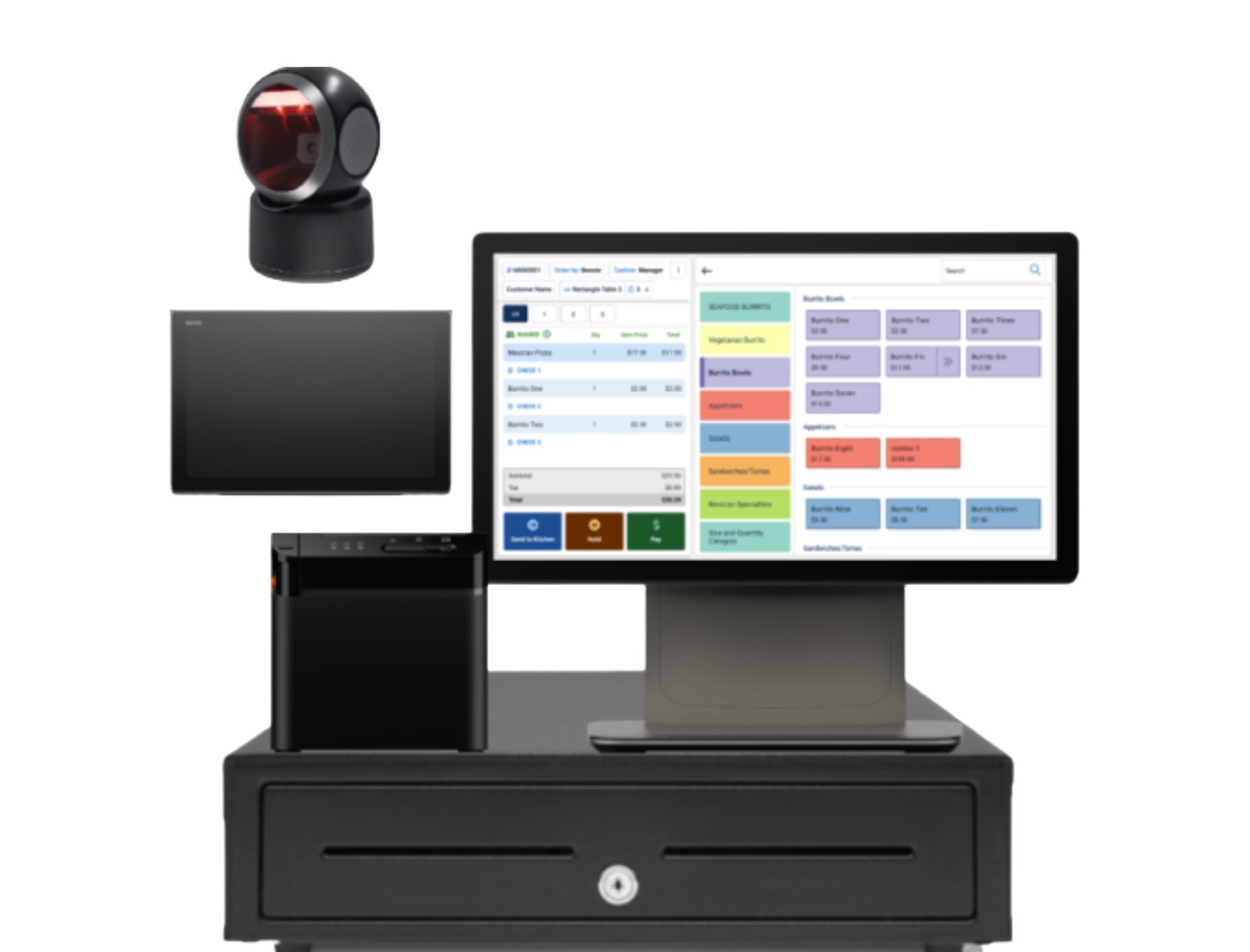
MX POS fits independent restaurants, multi-location QSR, and retail merchants — configurable across business types.
A cloud-based point of sale built to slot into the operations you already run, with category-appropriate setup for full-service restaurant, counter-service quick-service, and retail counter.
The MX POS lineup is built for operators who want a modern cloud POS plus US-based support, without the heavy enterprise overhead and without a custom-built kitchen workflow as the centerpiece. The vendor flags three primary fits: independent restaurants who want one platform across counter and tableside, multi-location quick-service operators who need the same playbook running in every store, and retail merchants who want inventory and payments tied to the same cloud reporting their accounting flows through.
Tabletop is the MX POS reseller. We size the fleet for your room during deployment, run the cost analysis on what the placement program does and does not include for your volume, configure the integrations so MX POS slots into your accounting and ecommerce instead of becoming a parallel system, and stay on as your day-zero support contact. If your operation needs a deep purpose-built kitchen workflow or a heavy enterprise integration footprint, we will tell you that on the cost analysis call instead of forcing MX POS to fit.
Six things merchants ask MX POS to do, in one platform.
Each piece is built into MX POS — not bolted on. Same database, same reporting, same updates across the countertop station and the mobile handheld.
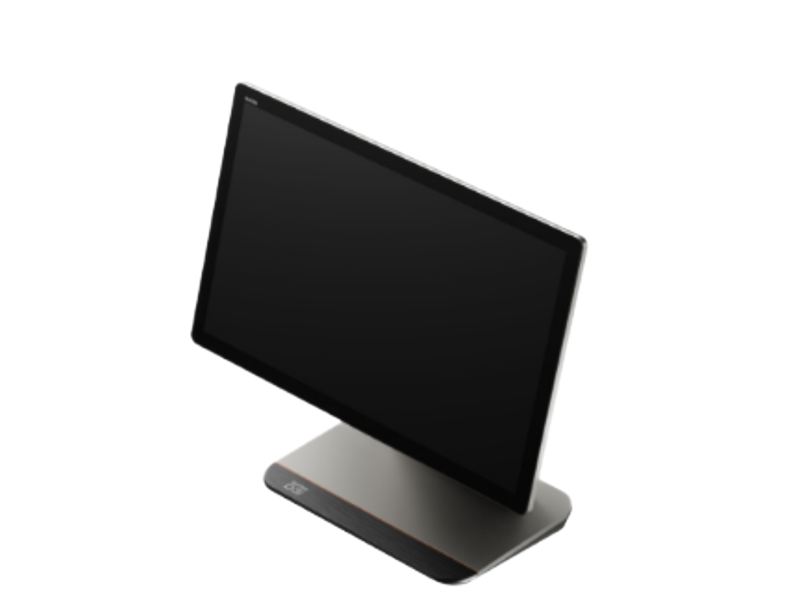
Cloud-based platform
Cloud-hosted point of sale — the register, the reporting, and the back office all live in the same place. No server in the closet, no on-prem database. Onboarding does not require new hardware in the IT room.
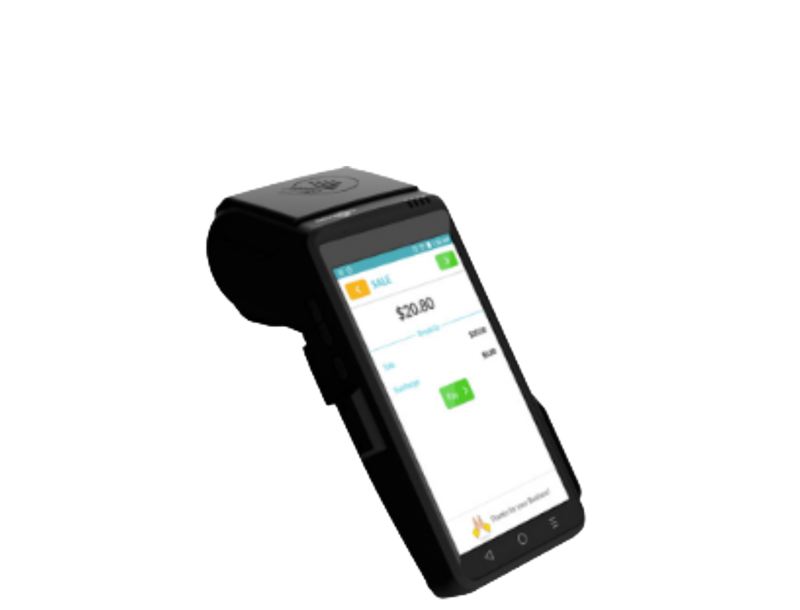
All-in-One station + mobile handheld
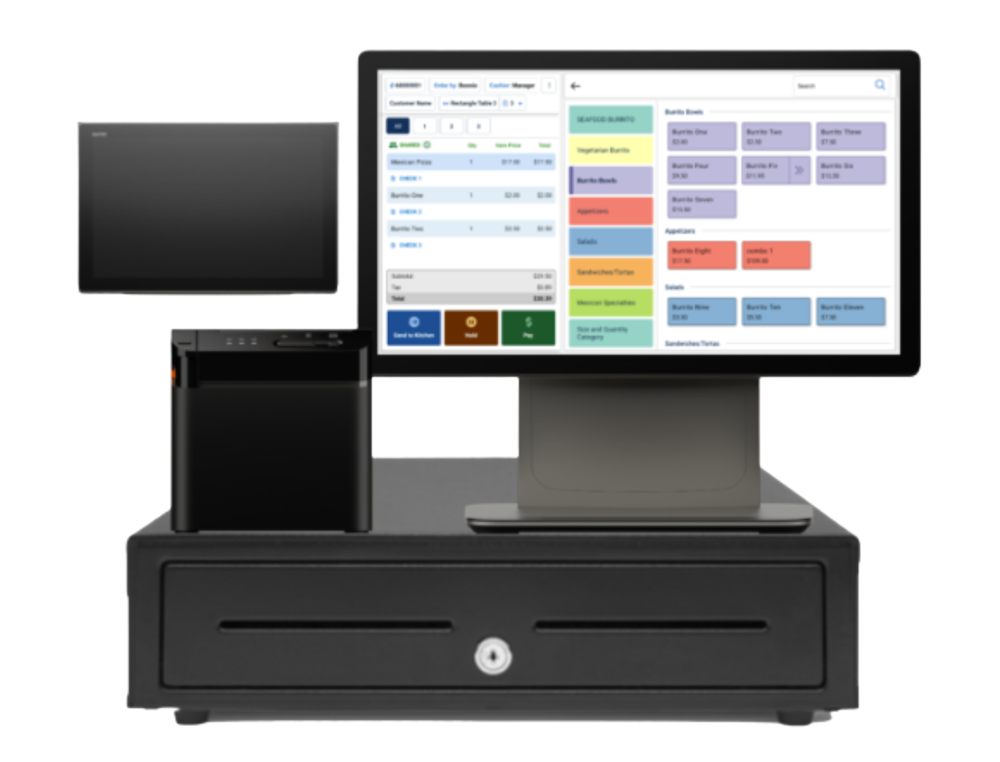
Two hardware lineups on the same software. The countertop all-in-one runs the register at the counter; the mobile handheld goes wherever the floor is — tableside in a restaurant, line-busting in a QSR, off-counter for retail merchants.
Built-in payments
Card acceptance is part of the platform, not a separate processor stitched on with adapters. The terminal and the back-office reporting see the same transactions in the same place.
Built-in gift & loyalty
Gift cards and loyalty are first-party features inside the platform — not a separate app the merchant has to plug in and reconcile. Run gift cards across locations on the same back office.
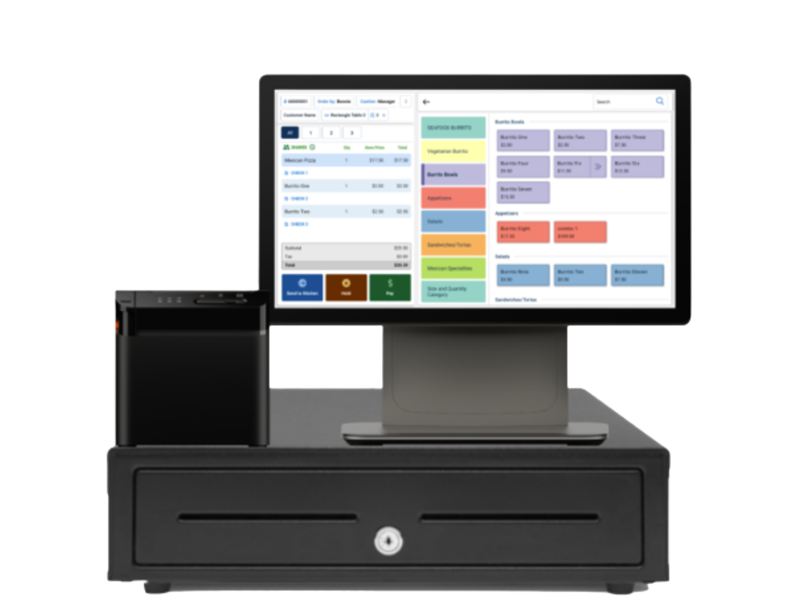
Inventory across business types
Configurable inventory that fits a restaurant menu, a quick-service ticket flow, or a retail SKU list — same data model, different setup. Stock and depletion update in real time as the terminal rings sales.
US-based 24/7 support
Phone and chat support staffed in the US, around the clock. Vendor-stated — flagged here because it is the support reality that determines whether a Saturday-night issue gets handled before the brunch shift starts.
Real-time numbers from the same database the register writes to.
The back-office dashboard reads from the same cloud the terminal and the handheld write into. Same numbers in every view. Same numbers tomorrow morning as last night's close. No nightly batch sync that surprises you when the figures do not match.
Real-time visibility is the part of cloud POS the operators we work with actually care about: not the live dashboard for its own sake, but the assurance that the books at the end of the week tie out to the register tape, the credit card statement, and the back-office report at the same time.
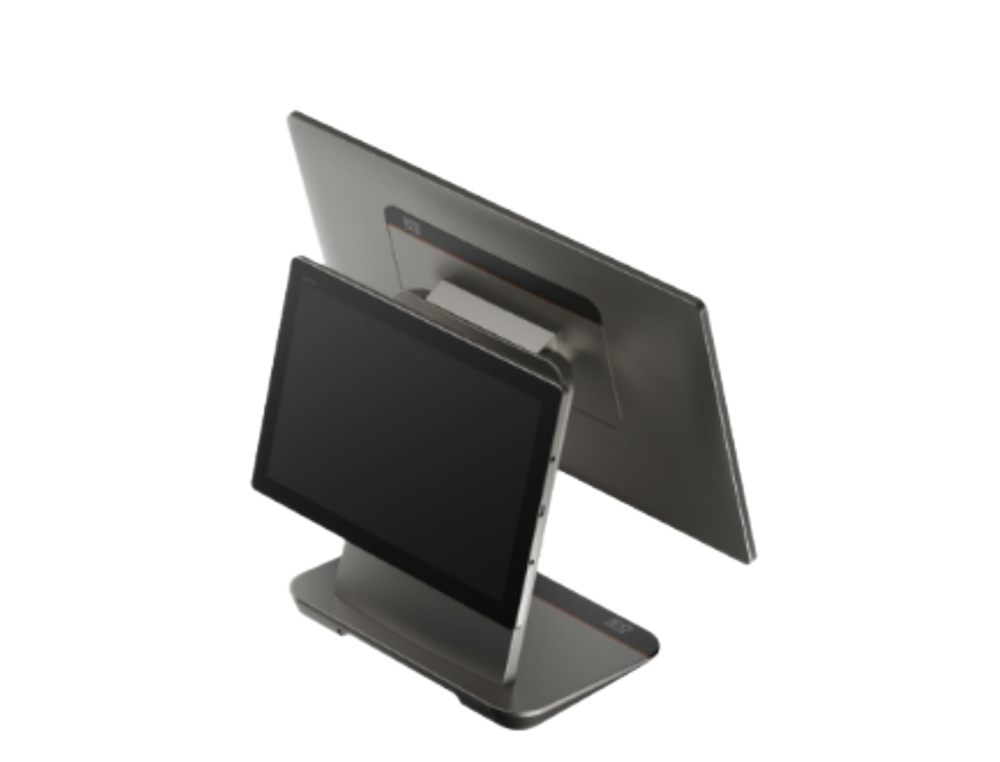
The handheld goes wherever the floor is — tableside, the QSR rush line, or off-counter.
MX POS Mobile is a handheld that runs the same platform as the countertop station. Servers take an order tableside and run the card on the handheld instead of walking back to the counter between every round. In a quick-service rush, a second handheld pulls customers out of the line and rings them before they get to the register. For retail merchants, the handheld is the counter on the days the counter moves — a pop-up table at a trade show, an outdoor sidewalk sale, a satellite location for an afternoon.
MX POS slots into the operations you already run — not the other way around.
The vendor's listed integration categories are ecommerce, accounting, cash discount programs, online ordering, and gift and loyalty. The platform is built to slot into an established stack rather than ask the merchant to replace every connected system. Tabletop maps your existing accounting, ecommerce, and online-ordering setup during deployment and configures the integrations so MX POS does not become a parallel system you reconcile manually.
For qualifying merchants there is a hardware placement program that bundles the all-in-one station and the merchant's processing into a single placement without upfront hardware cost. Qualification is based on processing volume; not every operation qualifies. On the cost analysis call we walk through whether your volume hits the threshold.
Where MX POS earns its keep
The vendor flags independent restaurants, multi-location quick-service, and retail merchants as primary fits. Tabletop fits MX POS to the broader stack during deployment based on how the floor actually runs.
Restaurants
Independent restaurants and multi-location operators who want one cloud platform across the counter and the tableside handheld.
Quick-service restaurants
Counter-service operators who need a configurable ticket flow and a handheld for line busting on the rush.
Ethnic restaurants
Independent ethnic-restaurant operators who want the back-office multi-language support and a platform that handles full-service or counter equally.
Retail merchants
Retail counters with SKU-driven inventory who want the same cloud reporting their accounting flows through. We map the right industry-page fit during the cost analysis.
Real numbers come from your statement — not a public rate card.
MX POS pricing depends on station count, handheld count, your processing volume, and whether the placement program fits. We do not post a rate card because the right setup depends on what is actually happening on your floor.
Send us your most recent processor statement and we will come back with a real comparison — that is the complimentary cost analysis call. Two paths usually surface. For merchants whose volume qualifies, the hardware placement program covers the all-in-one station as part of the processing arrangement; we walk you through exactly what placement does and does not include. For merchants whose setup is better served outside placement — multi-location operations, specific processing programs, or merchants who simply prefer to own their hardware outright — we price the station and the handhelds against the platform license directly.
Either way the deliverable is the same: a statement-reviewed comparison, a real recommendation for what MX POS would cost in your room, and a no-pressure conversation about whether MX POS is actually the right fit or whether one of the other systems on our shelf is.
Common questions
Who is MX POS built for?
MX POS is built for independent restaurants, multi-location quick-service operators, and retail merchants who want a cloud point of sale plus US-based support. The system is configurable across business types — full-service restaurant, counter-service quick-service, and retail counter all run on the same platform with category-appropriate setup. If your operation needs a heavy purpose-built kitchen workflow or a deep enterprise integration footprint, we will tell you that on the cost analysis call instead of forcing MX POS to fit.
What hardware comes with MX POS?
Two hardware lineups. The all-in-one countertop station handles full-service restaurants and retail counters — one piece of equipment that runs the register, prints receipts, and connects to a cash drawer and a card reader. The MX POS Mobile handheld is for tableside ordering, line busting on a busy QSR rush, and pop-up service where the counter is wherever the merchant sets up. Tabletop sizes the fleet for your room during deployment — one all-in-one or several, with or without handhelds, based on how the floor actually runs.
Does MX POS have a mobile or handheld POS?
Yes. MX POS Mobile is a handheld that runs the same platform as the countertop station. Servers take orders tableside and run cards on the handheld instead of walking back to the counter between every round. The use cases the vendor flags are tableside ordering for full-service restaurants, line busting for quick-service, and pop-up or off-counter service for retail merchants who set up outside the store from time to time.
What integrations does MX POS support?
Ecommerce, accounting, cash discount programs, online ordering, and gift and loyalty cards. The platform is built to slot into an established stack rather than ask the merchant to replace every connected system. Tabletop maps your existing accounting, ecommerce, and online-ordering setup during deployment and configures the integrations so MX POS does not become a parallel system you have to reconcile manually.
Is there a free hardware placement program?
Yes, for qualifying merchants. There is a hardware placement program that bundles the all-in-one station and the merchant's processing into a single placement without upfront hardware cost. Qualification is based on processing volume; not every operation qualifies. On the cost analysis call we walk through whether your volume hits the threshold, what the placement program does and does not include, and what the alternative looks like if placement is not the right fit.
Who installs MX POS and who supports it?
Tabletop is the MX POS reseller. We run the cost analysis, configure the countertop station and the handheld fleet for your room, train your team on the platform, and stay on as your day-zero support contact. US-based 24/7 support is part of what MX POS itself offers; Tabletop is the layer on top — the people who know your business and your stack when something needs adjusting on a Saturday.
Send us your statement. We will tell you what MX POS would actually cost.
Statement review, savings projection, and full tech stack recommendations. No-pressure call · we will tell you if MX POS is not the right fit.